Browser tool
Morph — Text Transformer
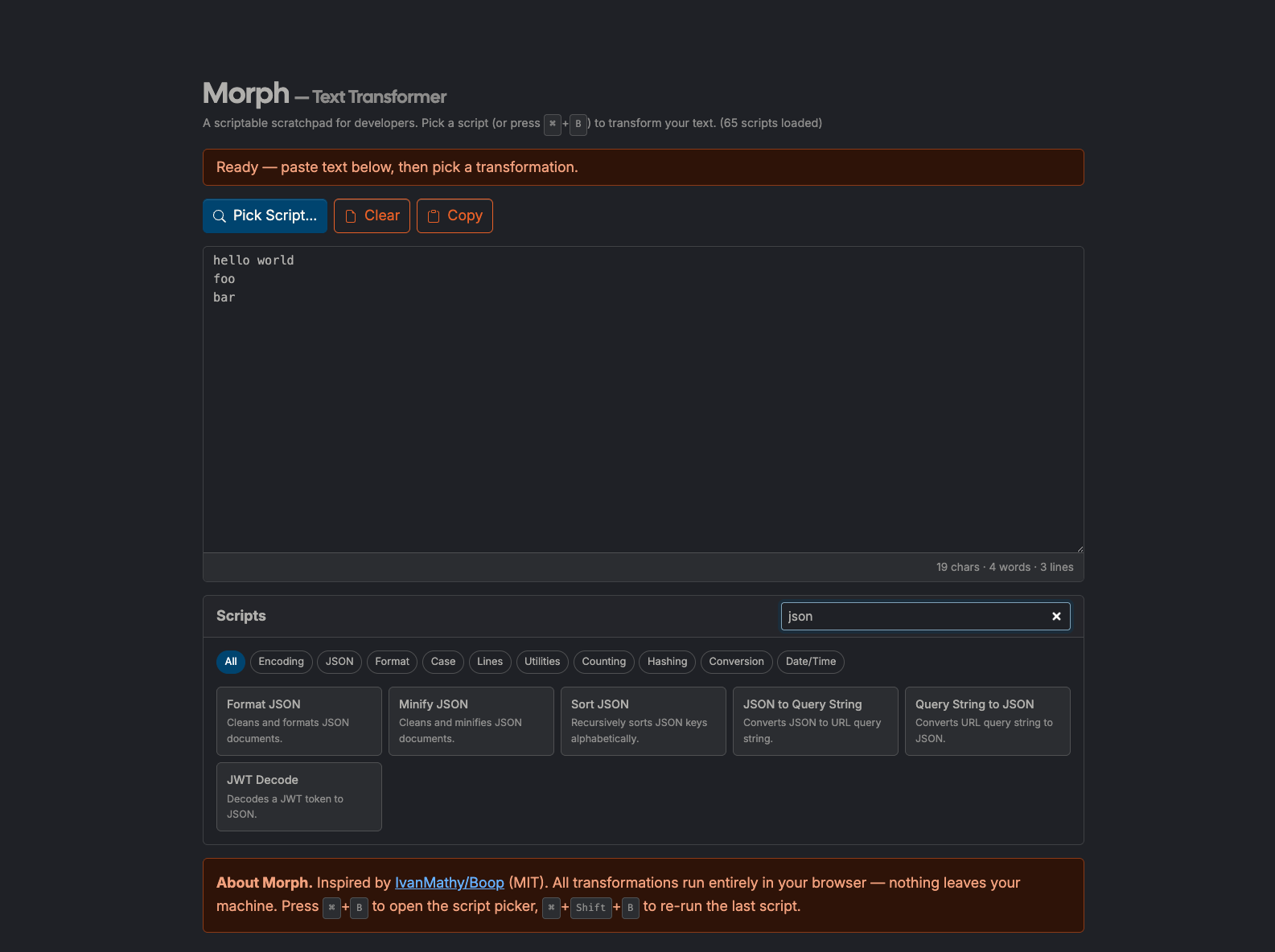
A scriptable scratchpad for developers. 93 built-in text transformations — encoding, formatting, hashing, case conversion, and more — all in the browser.
What it does
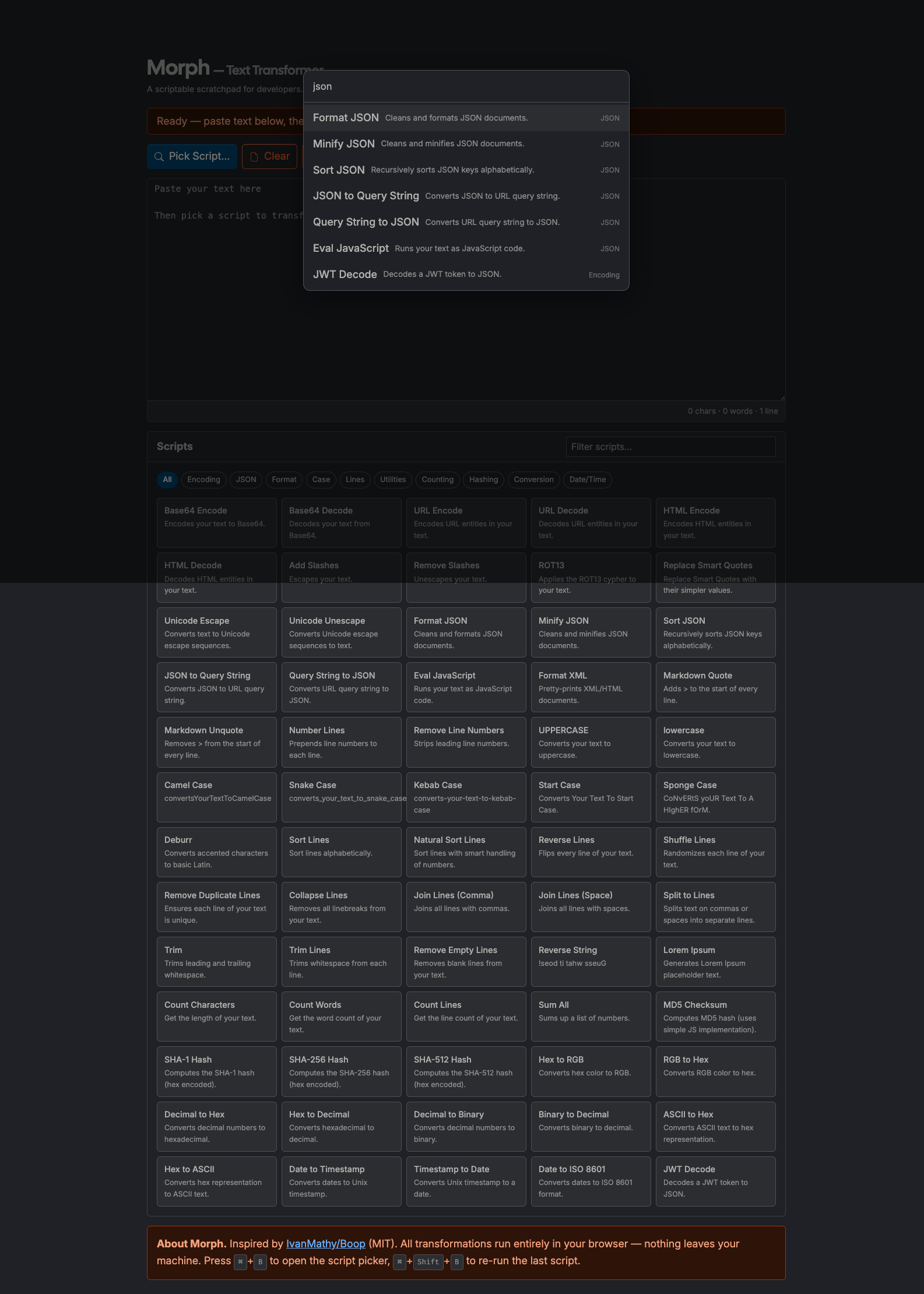
Morph is a browser-based text transformation workbench with 93 built-in scripts. Paste text, choose an operation, and get immediate output for common developer workflows: formatting, encoding/decoding, hashing, case conversion, and line operations.
Inspired by IvanMathy/Boop (MIT), this tool brings the Boop scripting model to a single-page web app.
How to use it
- Open: https://preview.tedt.org/tools/morph.html
- Paste text into the editor.
- Run a script from the Scripts panel or open the command palette with ⌘+B (macOS) / Ctrl+B (Windows/Linux).
- Re-run the last script with ⌘+Shift+B / Ctrl+Shift+B.
- Use Undo, Copy, and Clear controls for quick iteration.
Notes
- Fully client-side: no server processing and no text upload required.
- Keyboard hints auto-adapt for macOS vs. Windows/Linux.
- Direct
file://opening is supported with stylesheet fallback; hosting via the site remains the recommended mode.
New in Morph (2026-02-22)
- Data interop: JSON ↔ YAML, CSV ↔ JSON, JSON Array ↔ JSONL.
- Encoding: Base64 URL Encode / Base64 URL Decode.
- Cleanup: Normalize Whitespace, Remove Zero-Width Chars, Strip HTML Tags, Regex Escape.
- Case and text: Swap Case, Slugify.
- Layout and line operations: Tabs to Spaces, Spaces to Tabs, Wrap Lines (80 chars), Unwrap Lines, Sort Lines (Case-Insensitive), Unique Lines (Case-Insensitive).
Screenshots