Browser tool
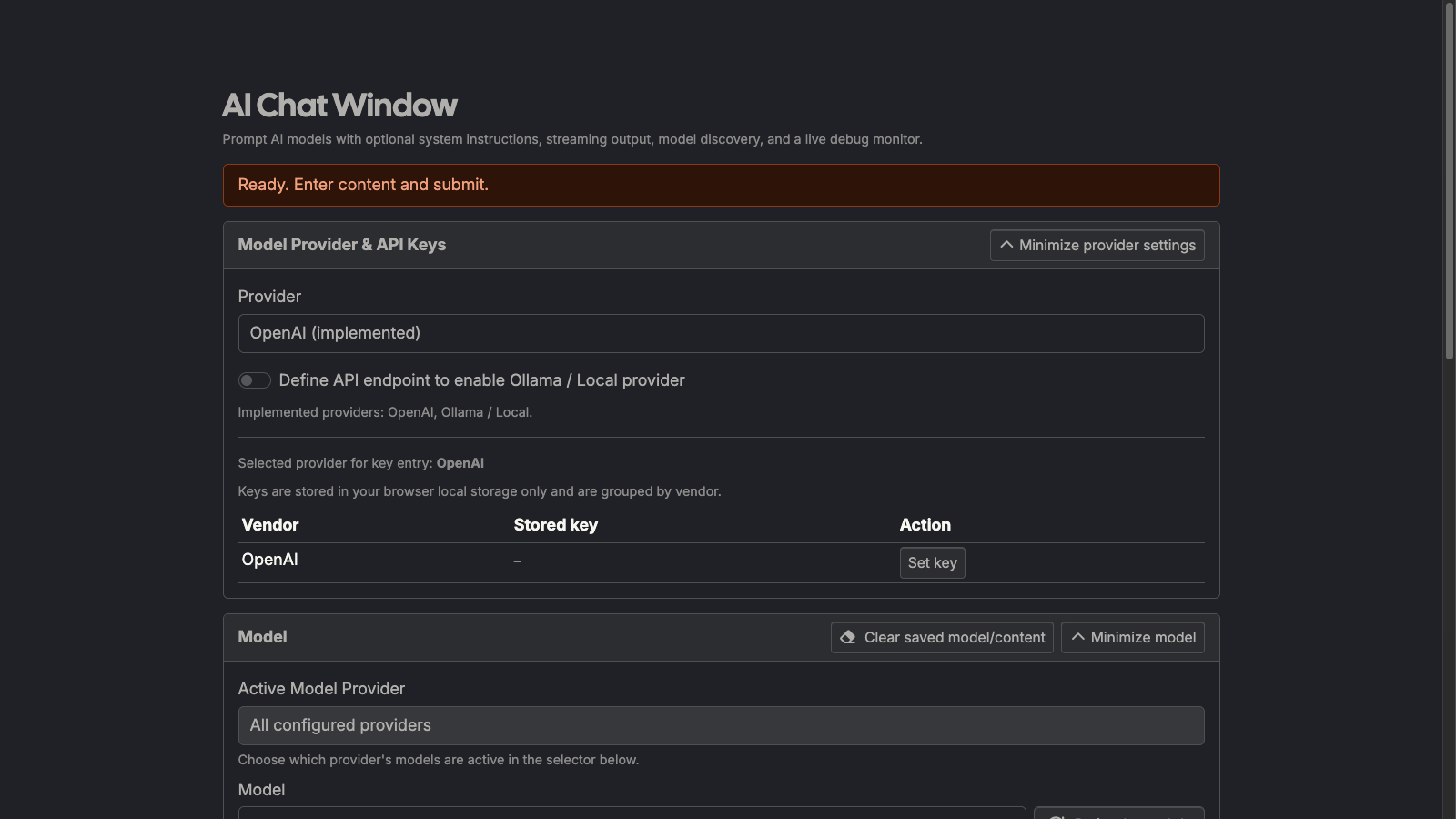
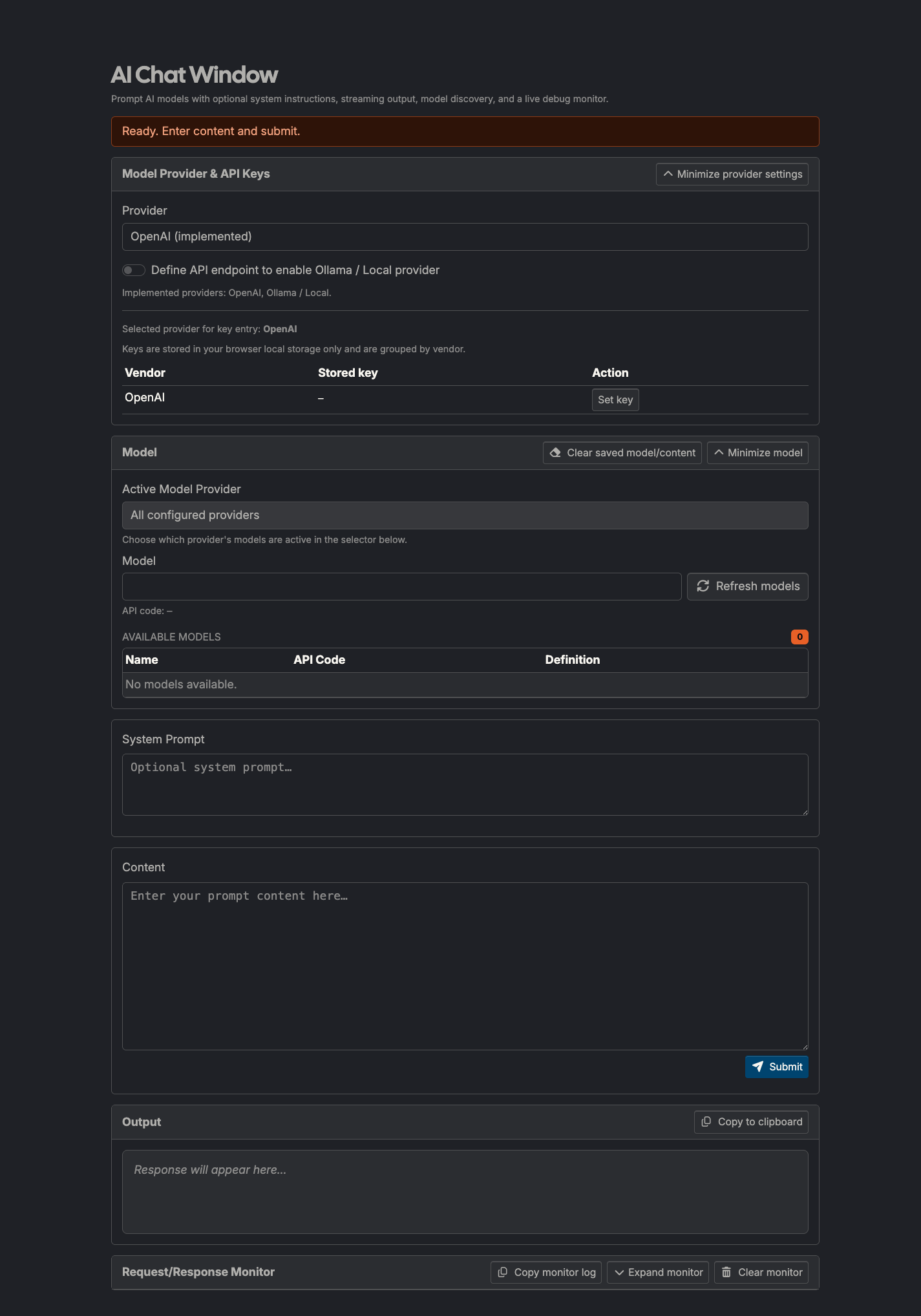
AI Chat Window
Client-side AI prompt workbench with system-prompt history, streaming output, markdown rendering, and copy-ready responses.
What it does
AI Chat Window is a browser-based prompt runner for AI models. It supports an optional system instruction, streaming response output, markdown rendering, and local prompt history for fast iteration.
How to use it
- Open: https://preview.tedt.org/tools/ai-chat-window.html
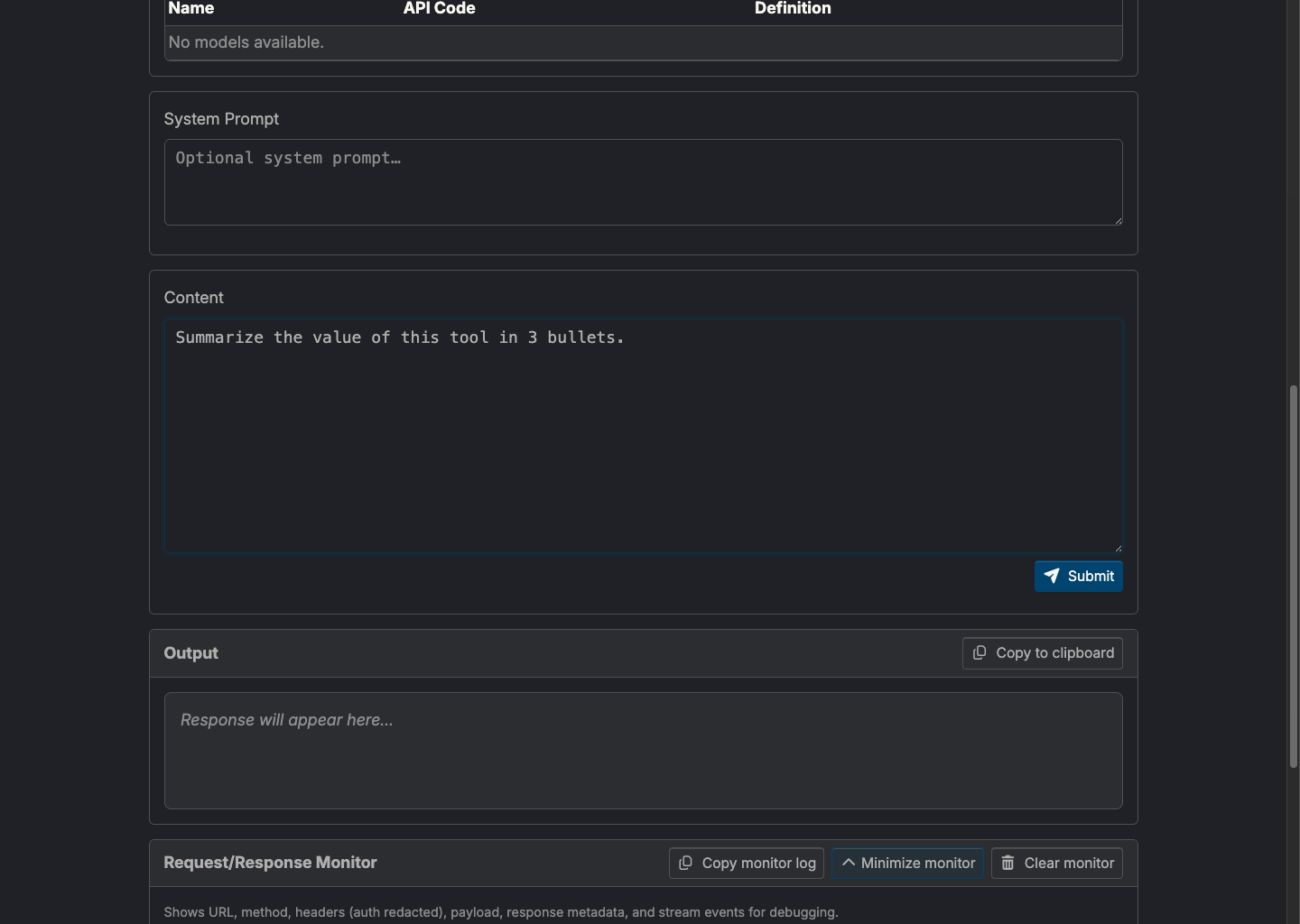
- Enter an optional System Prompt and your Content prompt.
- Pick or type a model id.
- Click Submit (or use Ctrl/⌘+Enter).
- Copy the generated response using Copy to clipboard.
Notes
- API keys are stored in browser local storage and sent directly to the selected provider.
- No server-side processing is performed by this site for prompt generation.
- Streaming output is incremental; errors appear inline below controls.
- Monitor panel logs request URL, sanitized headers, payload, response status, and stream events to debug API behavior (including 429s).
Screenshots